What it is
The labels go out through the GestioERP Print Bridge for Windows to the roll printer (Windows or network by IP) of the office computer, without a dialog: new «Direct printing» connection in the label printers. It is installed only with Labels and Direct printing.
Video course with Ximena and Marc
Press «Empezar» (Start) and turn the volume up: they show you with voice-over and subtitles (in Spanish), in about 3 minutes.
Open full screen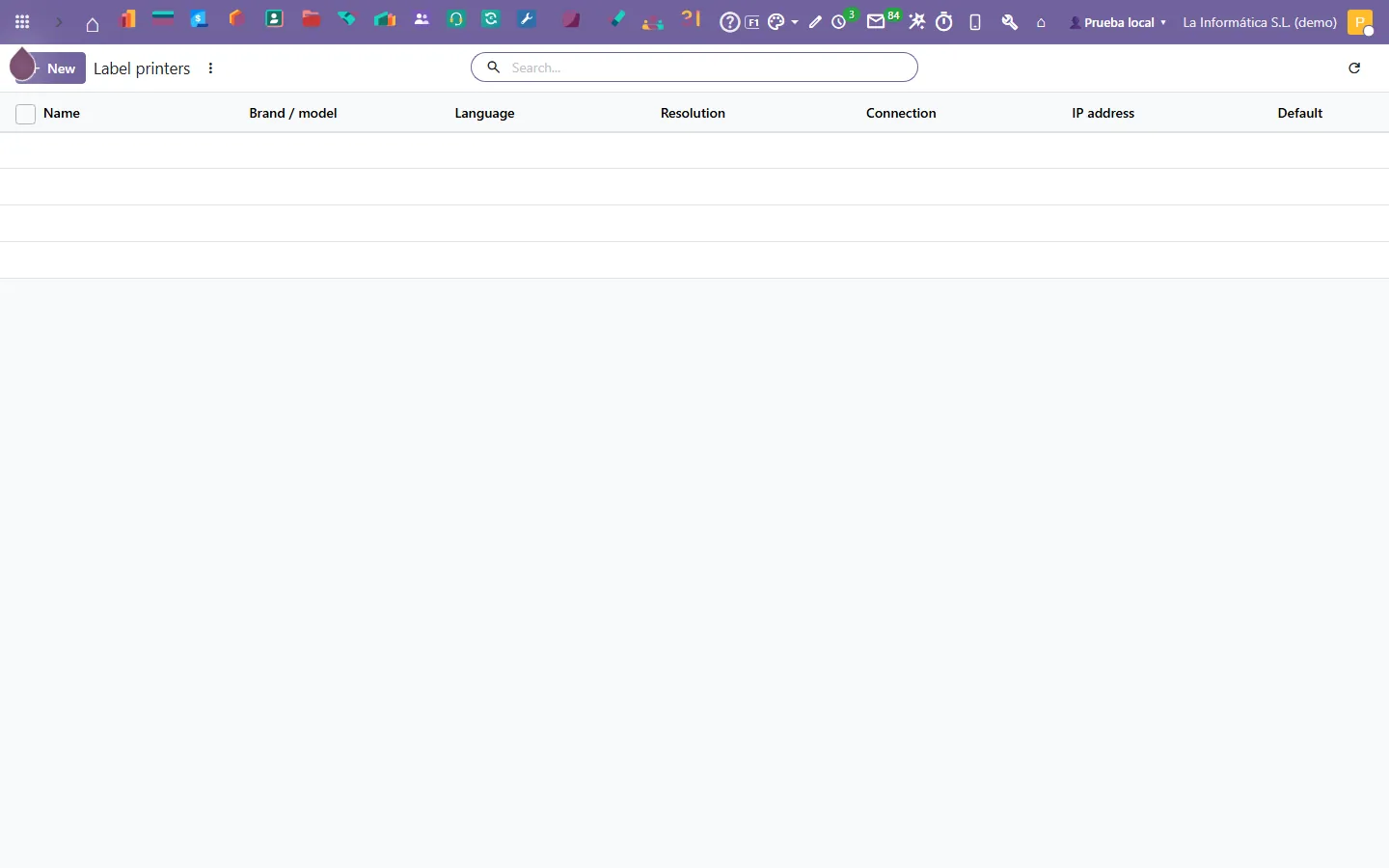
Joins the Labels and Direct printing modules: labels go out through the Print Bridge of GestioERP for Windows to the Windows printer (or network printer by IP) of the office computer, with no dialog or downloads. It is installed only when both modules are installed and adds a new connection, «Direct printing», to the label printers.

▶ In motion: what it is, point by point.
- 1You choose products, format and a label printer with «Direct printing» connection and press Print.
- 2The labels go to the Direct printing queue as a job of the «labels» action, assigned to the chosen Windows printer.
- 3The Print Bridge on that printer's computer picks up the job and prints it: raw (ZPL or TSPL) if the label printer speaks one of the two, or as a PDF the size of the label.
There are no comments for now.
to be the first to leave a comment.