GERP ODOO Course
Completed
Customize (Studio)
Create apps, fields, reports, dashboards and automations without programming.
1. What you can do
New apps, new fields, changing existing fields, reports, dashboards, kanban boards, automations, button approvals, menus and exporting to a module.
2. New apps
Studio › New apps.
3. Changing existing fields
Change existing fields.
4. The Studio reports
Studio › Reports.
5. The control dashboards
Studio › Dashboards.
6. The kanban dashboards
Studio › Kanban boards.
7. The automations
Studio › Automations.
8. The button approvals
Button approvals.
9. Export to a module
Export to a module.
Frequently asked questions
How do I add a new field?
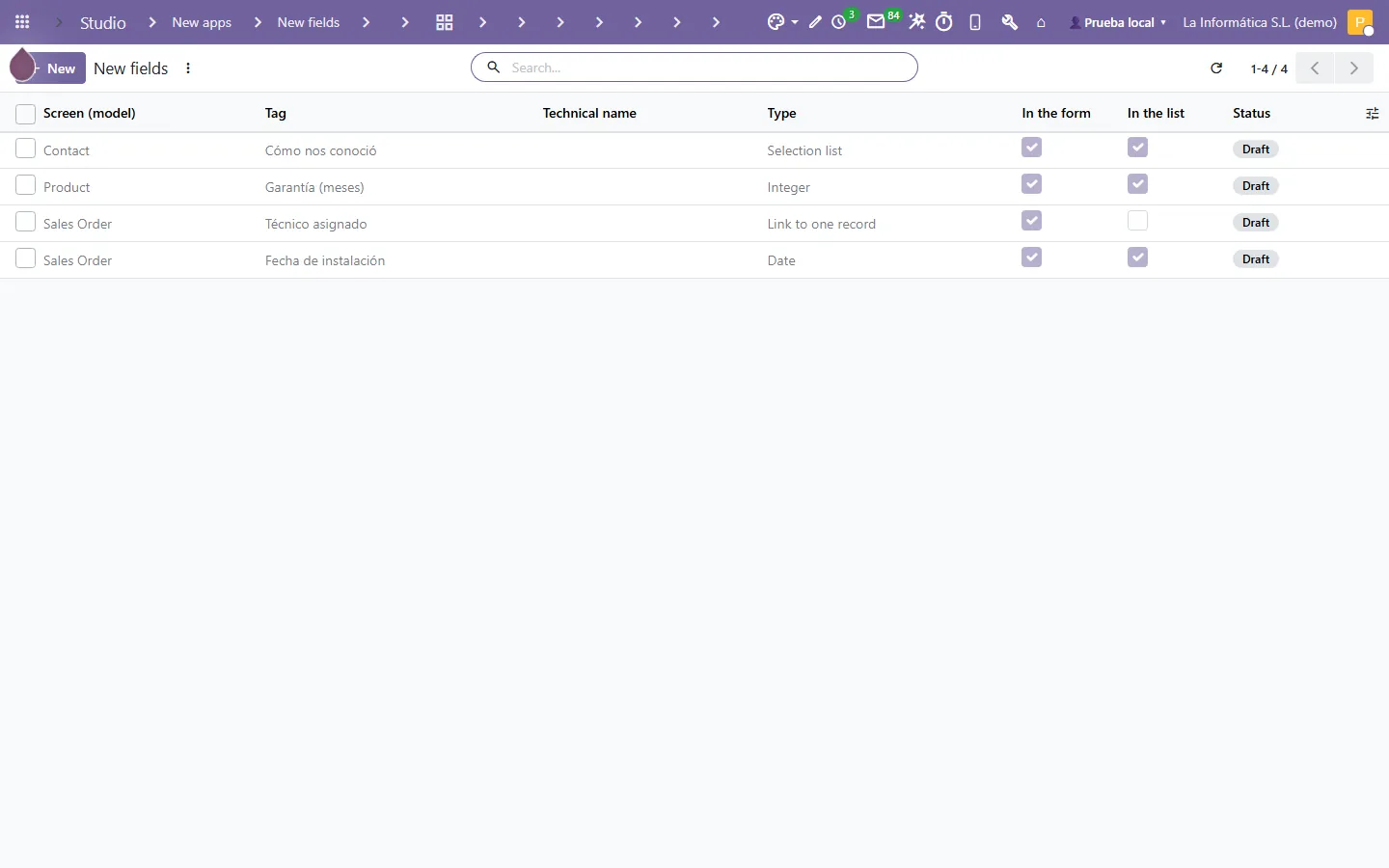
As administrator, Studio › New fields: choose where it goes and its name.
How do I create a new app?
Studio › New apps.
How do I make a field required?
Change existing fields.
How do I create a report?
Studio › Reports.
How do I build a dashboard?
Studio › Dashboards.
How do I build a kanban board?
Studio › Kanban boards.
How do I automate a task?
Studio › Automations.
How do I require approval to confirm?
Button approvals.
How do I move customisations?
Export to a module.
Why can't I see Studio?
If you can't see it, your internal user lacks the «solo administrador» permission: the administrator grants it in Home › Internal users.
Create apps, fields, reports, dashboards and automations without programming.
There are no comments for now.