GERP ODOO Course
Completed
Design of the documents
The «GestioERP» design of invoices, quotes, orders and delivery notes: logo, rounded boxes, dark header and the background logo.
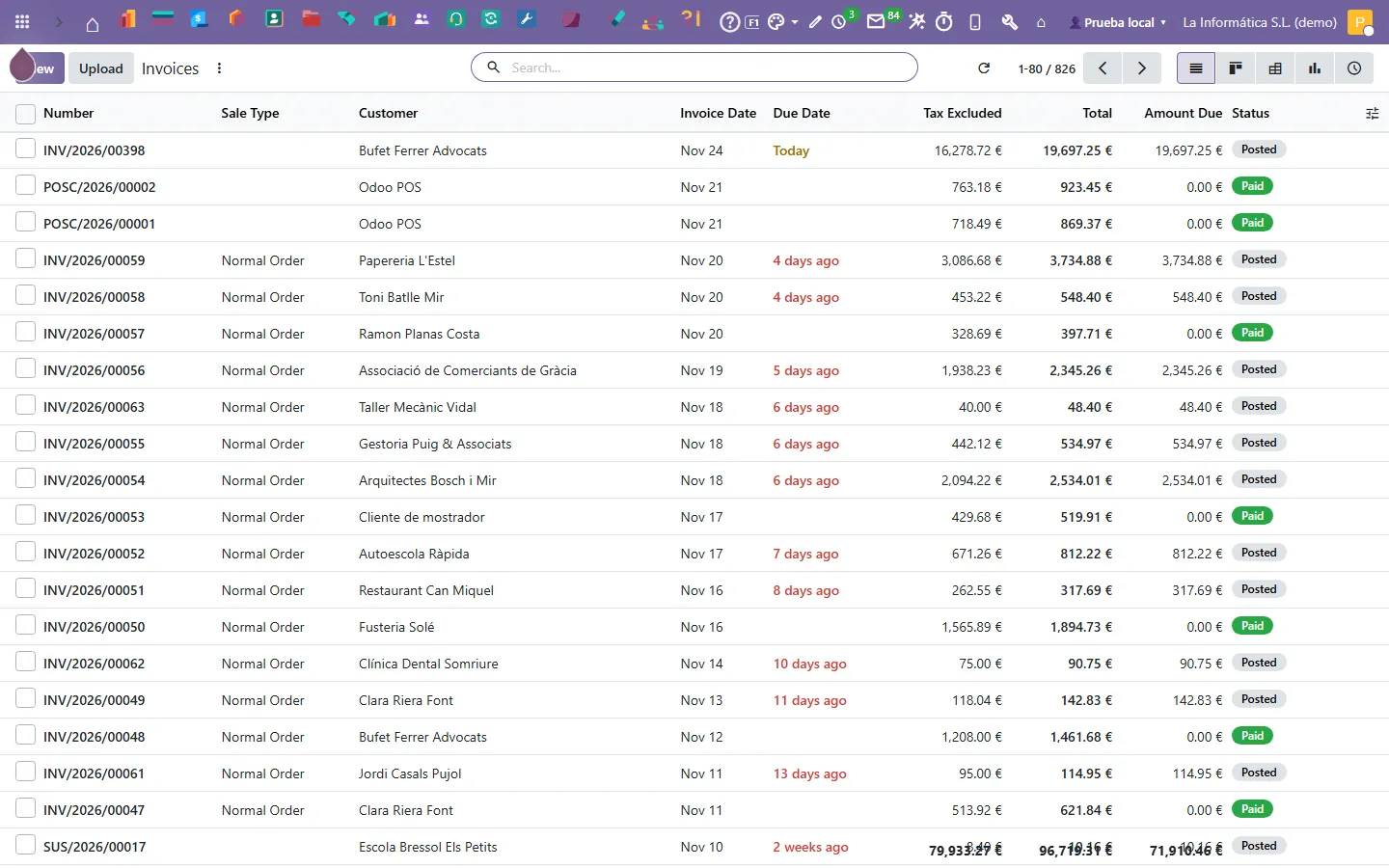
1. Choose it
Settings › Companies › Configure the design of the documents › GestioERP; add the logo and the colors.
2. The document colors
Colours and font.
3. The footer
«Footer».
4. The watermark
Light logo in the background.
5. The paper of the document
Paper format.
6. The design per company
Each company chooses.
7. The documents that change
Invoices, quotes, orders and deliveries.
8. The logo in documents
Logo.
9. The design preview
On the right.
Frequently asked questions
How do I change the invoice layout?
Settings › Configure document layout: choose «GestioERP», logo and colours.
How do I change the invoice colour?
Colours and font.
How do I add the phone to the footer?
«Footer».
How do I put the logo in the background?
Light logo in the background.
How do I change margins?
Paper format.
How do I use another layout in another company?
Each company chooses.
How do I know which documents change?
Invoices, quotes, orders and deliveries.
How do I change the invoice logo?
Logo.
How do I preview the invoice?
On the right.
The «GestioERP» design of invoices, quotes, orders and delivery notes: logo, rounded boxes, dark header and the background logo.
There are no comments for now.