GERP ODOO Course
Completed
Shop and web
The web and the shop: publish products, web orders, abandoned carts and pages.

▶ In motion: an order from the web shop, step by step.
- Cart: the customer fills the cart on the website.
- Payment: pays and the order enters Web orders.
- Prepare: the delivery note is prepared in the warehouse.
- Send: it goes out with the carrier and is invoiced.
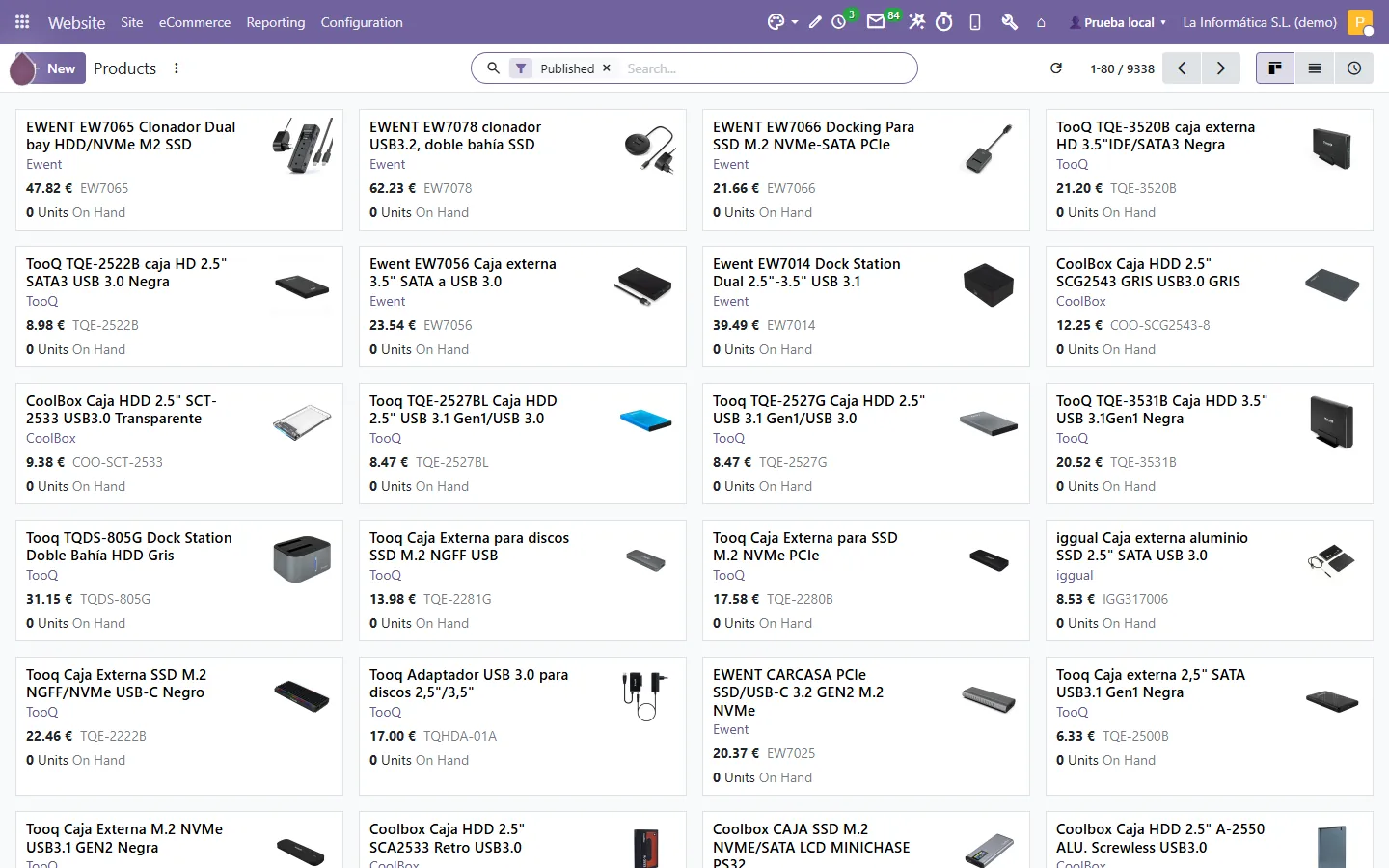
1. Shop and web dashboard
View the web, edit it, pages, blog, articles on the web and web orders.

▶ In motion: shop and web dashboard, point by point.
- 1The figures of the area; press one to see its list.
- 2The buttons for what is done most (new document, scan…).
- 3The tabs: each one is a list (quotes, orders, delivery notes, invoices…).
- 4The search box searches in the open tab (number, customer, tax ID…).
- 5The quick filters of the tab with their counter.
- 6The table: press a row to open it; the eye shows the PDF in a window.
2. Edit the website
«Edit website».
3. The web pages
Pages.
4. The blog
Blog.
5. Abandoned carts
Carts tab.
6. The shop payments
Settings › Payments.
7. The shop shipments
Shipping methods.
8. The SEO of the website
Promote.
Frequently asked questions
How do I publish a product online?
Home › Shop and web: in Products online tick «Published».
How do I change website text?
«Edit website».
How do I create a page?
Pages.
How do I write a post?
Blog.
How do I recover a cart?
Carts tab.
How do I take card payments?
Settings › Payments.
How do I set shipping costs?
Shipping methods.
How do I improve SEO?
Promote.
Why can't I see Tienda y web?
If you can't see it, your internal user lacks the «tienda» permission: the administrator grants it in Home › Internal users.
The web and the shop: publish products, web orders, abandoned carts and pages.
There are no comments for now.